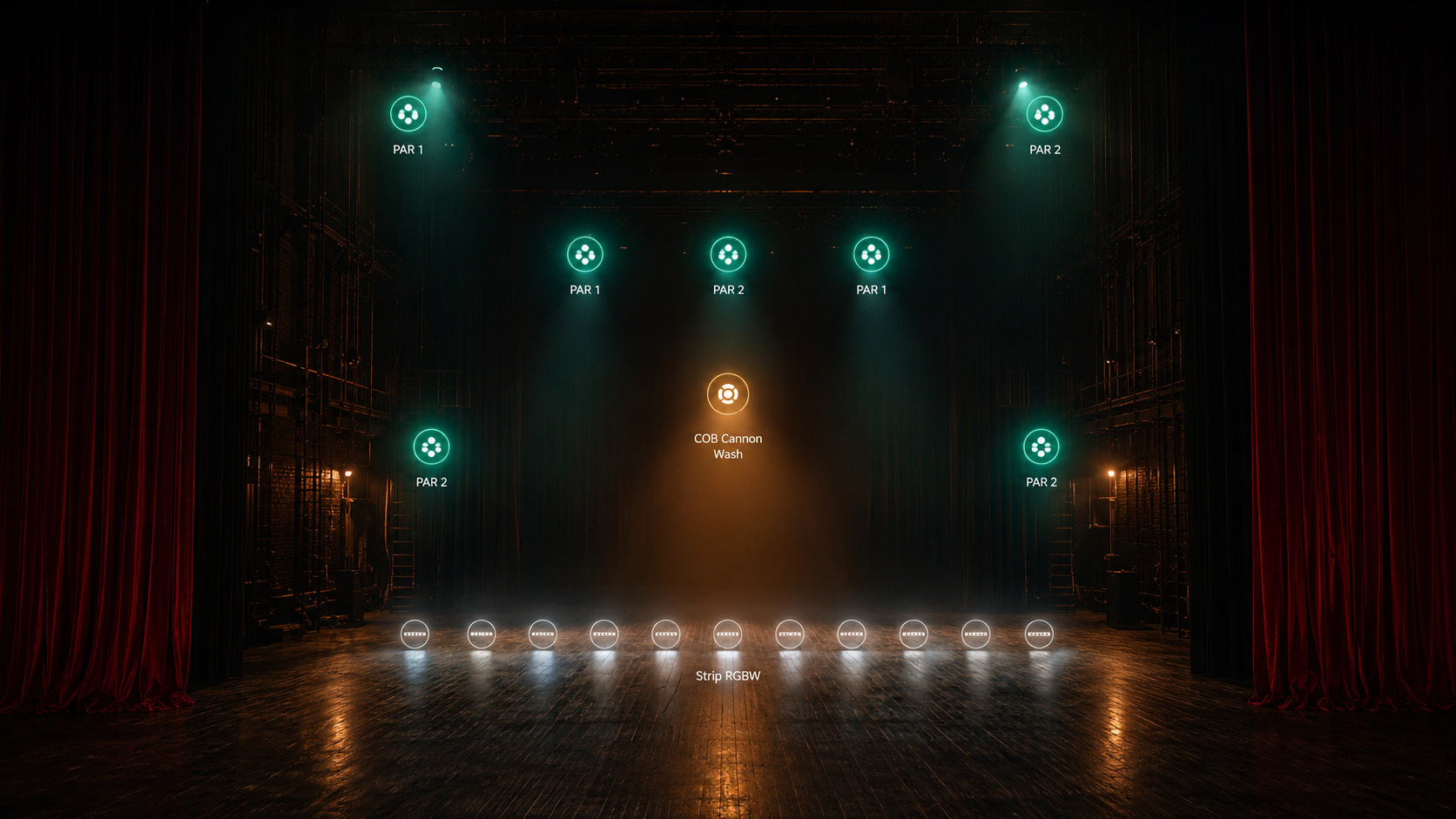
The light.
Not the protocols.
DMX, Philips Hue, Lighttoys — three different protocols, one single place to think them through.
Orchestr Light removes the technical complexity so only one question remains:
what do you want to tell with your light?
Mac · Add-on · €149 launch price
— THE PHILOSOPHY
One stage.
All your sources.
Lighting control software thinks in protocols. Orchestr Light thinks in intention.
When you open a lighting control application, the first thing it asks is: which protocol? DMX universe 1, DMX universe 2, Hue Bridge, Lighttoys Bluetooth. Every source lives in its own tab, its own window, its own logic. You become a technician before you become an artist.
Orchestr Light works differently. You see your stage — your actual stage, with all your sources side by side. A DMX fixture, a Hue bulb, and a Lighttoys prop coexist in the same view, placed exactly where they physically are. The protocol complexity disappears.
"You get to decide what you want to say."
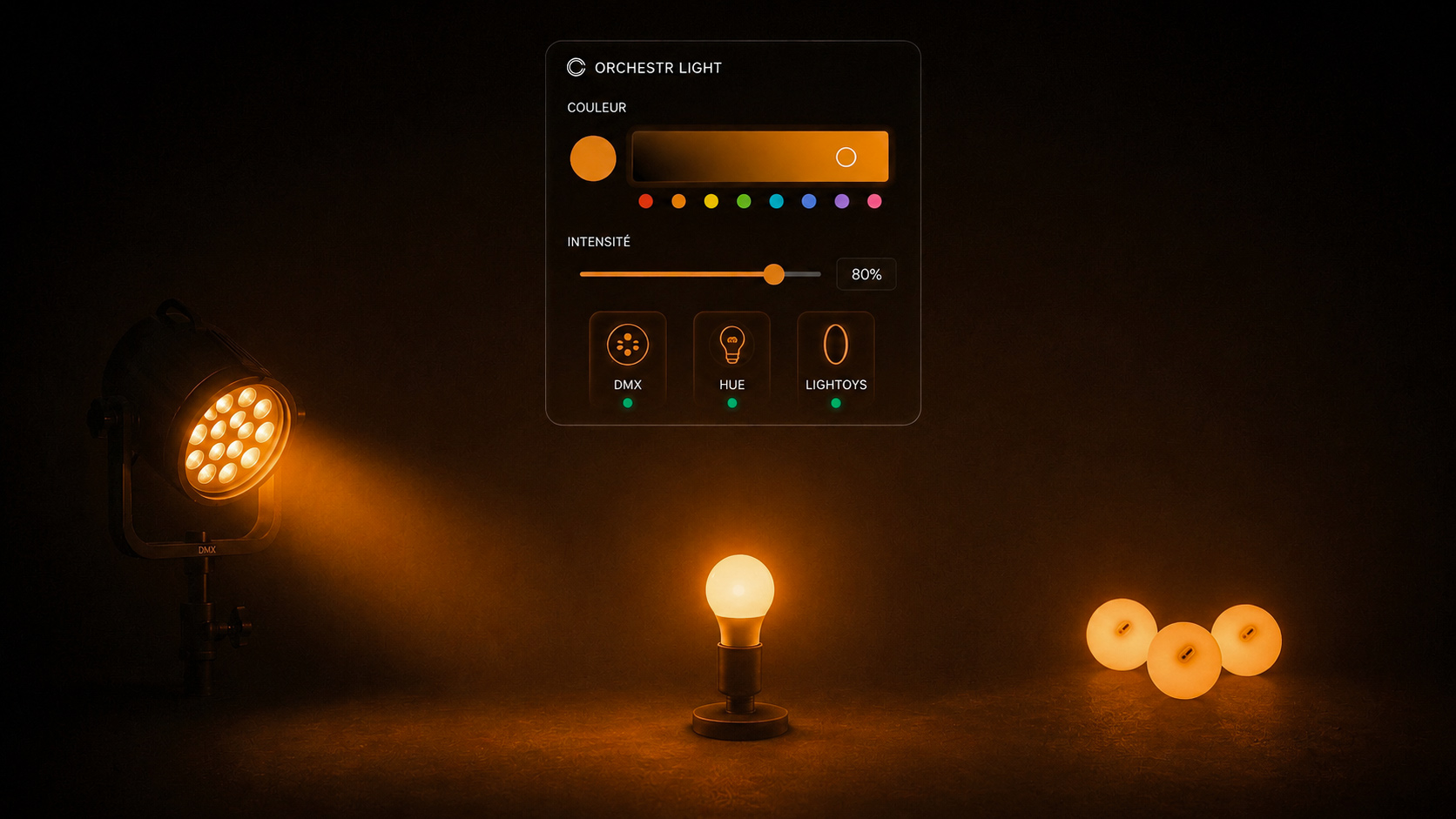
— STAGE VIEW
Your real stage.
Not a simulation.
Import a photo of your stage or your lighting plot. Place your fixtures on it, down to the pixel of their real position. Orchestr Light turns your image into an active control surface. Every point you see corresponds to a real device, and reflects its live state: color and intensity move with your commands.
This is not a render simulation — it's a control view. You know where every device is, you see what you're sending. No universe numbers to memorize. No DMX channels to guess. Just the stage, and what you do to it.
Import any photo of your space and use it as an interactive floor plan. What you see is what you control.
Every change in intensity, color, or state is reflected immediately on your devices. Zero delay between your gesture and the stage.
Photo imported, fixtures placed, first lights on. The onboarding is designed to be fast — even if it's your very first time.
— TWO VIEWS · ONE RIG
Stage View. Patch View.
One click between them.
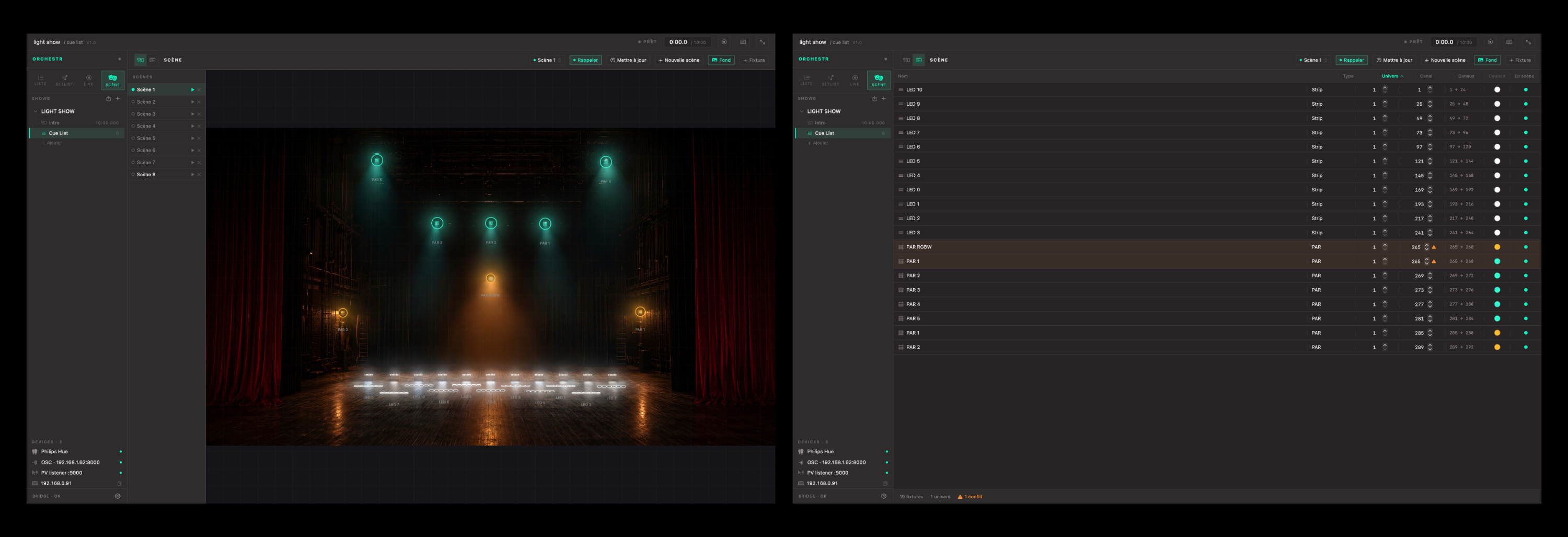
The view you use during shows and rehearsals. Your stage photo as the backdrop, your fixtures positioned on top. You get an instant overview of the complete lighting state and make changes by clicking on what you see. Intuitive for everyone — including someone encountering your rig for the first time.
The technical view. All your fixtures listed by protocol, universe, and address. You patch, name, and organize. Precise, exhaustive, and readable — even for a rig with several hundred fixtures.
Orchestr Light is compatible with the Open Fixture Library — the community-driven database of DMX fixture profiles. Over 5,000 fixtures catalogued, from the most common brands to the most specialized. Import any fixture profile in seconds: all channels, modes, and capabilities are recognized automatically. No more building profiles by hand.
— LIGHT SCENES
Create a scene.
Trigger it from your show.
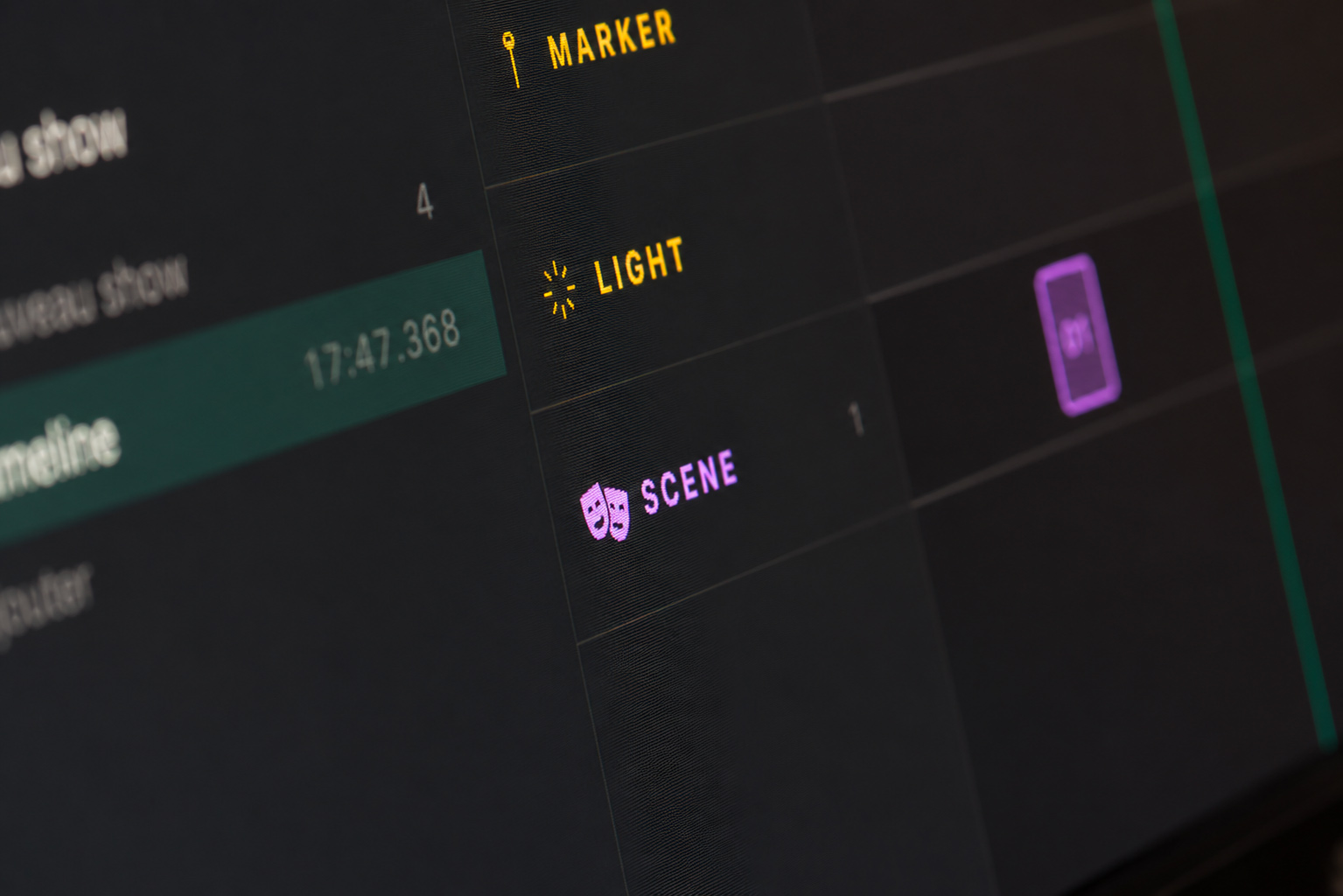
A lighting state = one Orchestr Light scene. Build your state — intensities, colors, directions, active groups — and save it. Each scene is a complete snapshot of your rig. Create as many as your show needs. At GO, everything fires at once — DMX, Hue, and Lighttoys together, simultaneously, with no delay.
"Your light is no longer fragmented across three apps. It's a cue in your show."
And because Orchestr Light lives inside Orchestr — your light scenes share the same space as your audio, video, OSC, and MIDI. One show. One tool. Everything inside.
— COMPATIBLE WITH
Everything you already use.
Enttec and Electroconcept interfaces supported. Standard single-universe and multi-universe Art-Net control over a local network.
Local Bridge. All Hue bulbs and groups. Color, temperature, and intensity control — no cloud, no internet dependency.
Light props — hoops, staffs, balls, fans. Direct control of Lighttoys devices within the same interface as your DMX fixtures.
Professional multi-universe protocol. Compatible with existing sACN infrastructure for equipped installations and venues.
If your light source isn't listed, custom modules are available. → contact@orchestr.software
— FOR YOU
Built for you.
You design installations with heterogeneous sources — DMX, Hue, Lighttoys, sACN. Orchestr Light brings everything together in a single interface. Less software bridging, more time to create.
You work in unequipped venues with your own gear. A Mac, a DMX interface, a few Hue bulbs — Orchestr Light pulls it all together without complex setup. Ready in fifteen minutes.
You think in light before you think in protocols. Orchestr Light lets you work in your own language — color, intention, space — without forcing you to learn DMX addressing.
You integrate lighting into your show without a dedicated operator. Your light scenes fire from your Orchestr cues — at the same moment as your sound, video, and OSC.
— BUILT INTO ORCHESTR
Not a separate app.
A natural extension.
Orchestr Light lives inside Orchestr — same interface, same logic, same workflow. Your light scenes fire from your cues just like any other protocol — OSC, MIDI, audio. You're not learning a new tool. You're adding a new dimension to the one you already know.
Build your show in Orchestr. Design your light in Orchestr Light. Everything fires at GO.
→ Discover Orchestr— PRICING
One purchase. One tool.
- Stage view — interactive Stage View
- OFL Patch View — fixture import
- Light scenes triggerable from cues
- DMX · Open DMX · Art-Net · sACN · Philips Hue · Lighttoys
- Mac only
Requires Orchestr Mac (€349)
One-time purchase · 12 months of updates included
Managing a venue, a residency space, or a permanent installation? Venue licences include Orchestr Light under terms suited to continuous, multi-user operation. → See Orchestr Installation
— FAQ