SHOW CONTROL · FROM THE STAGE

The show control app
designed from
the stage.

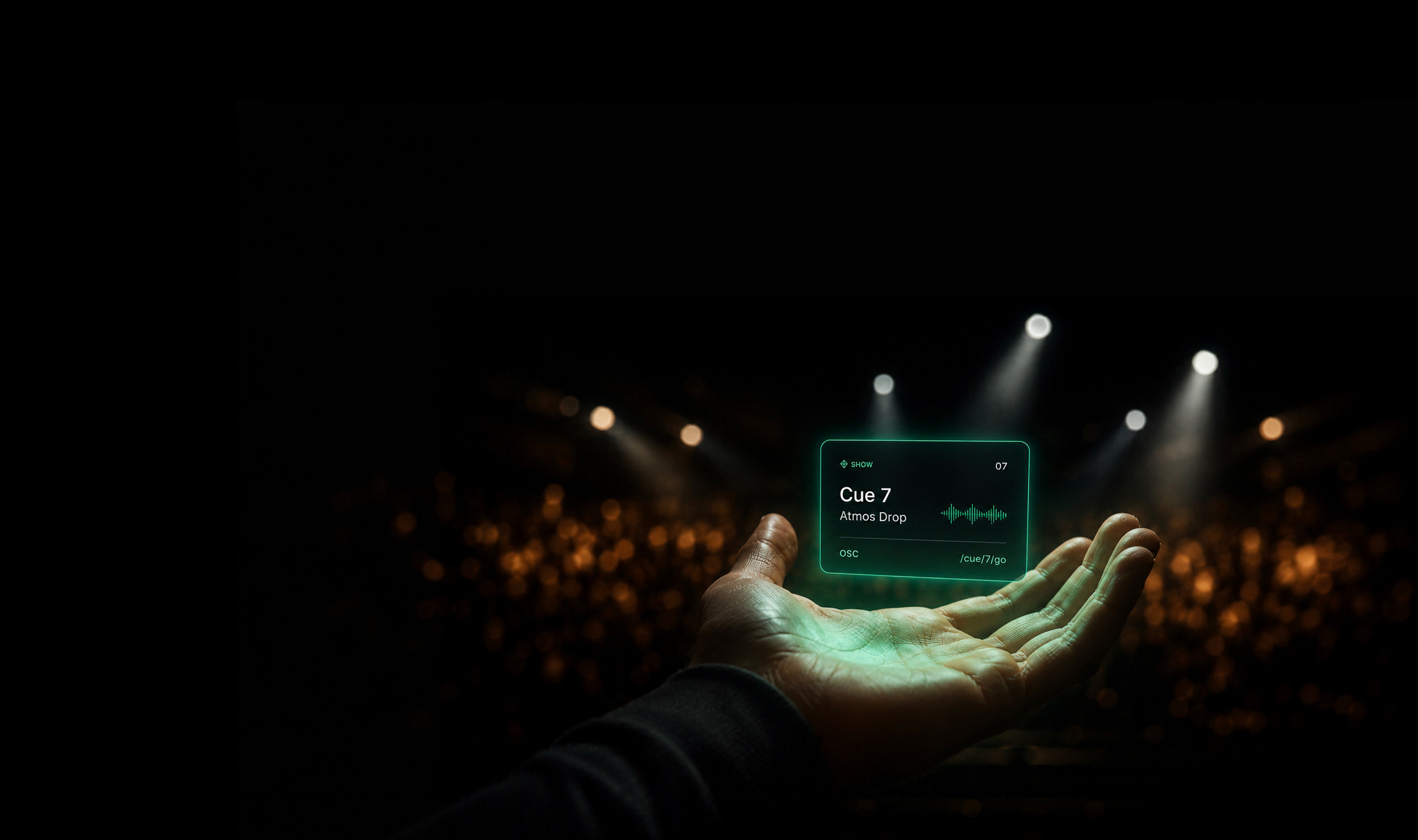
Orchestr controls the lighting, sound, video and effects of your show — from an iPad, iPhone or Mac, with no infrastructure.

Available on macOS · iPad · iPhone

— FOR YOU

For those
who do everything.

You compose.
You design the scenography.
You direct.
And you perform.

Sometimes there's a team.
Often, it's just you.

Either way,
Orchestr adapts.

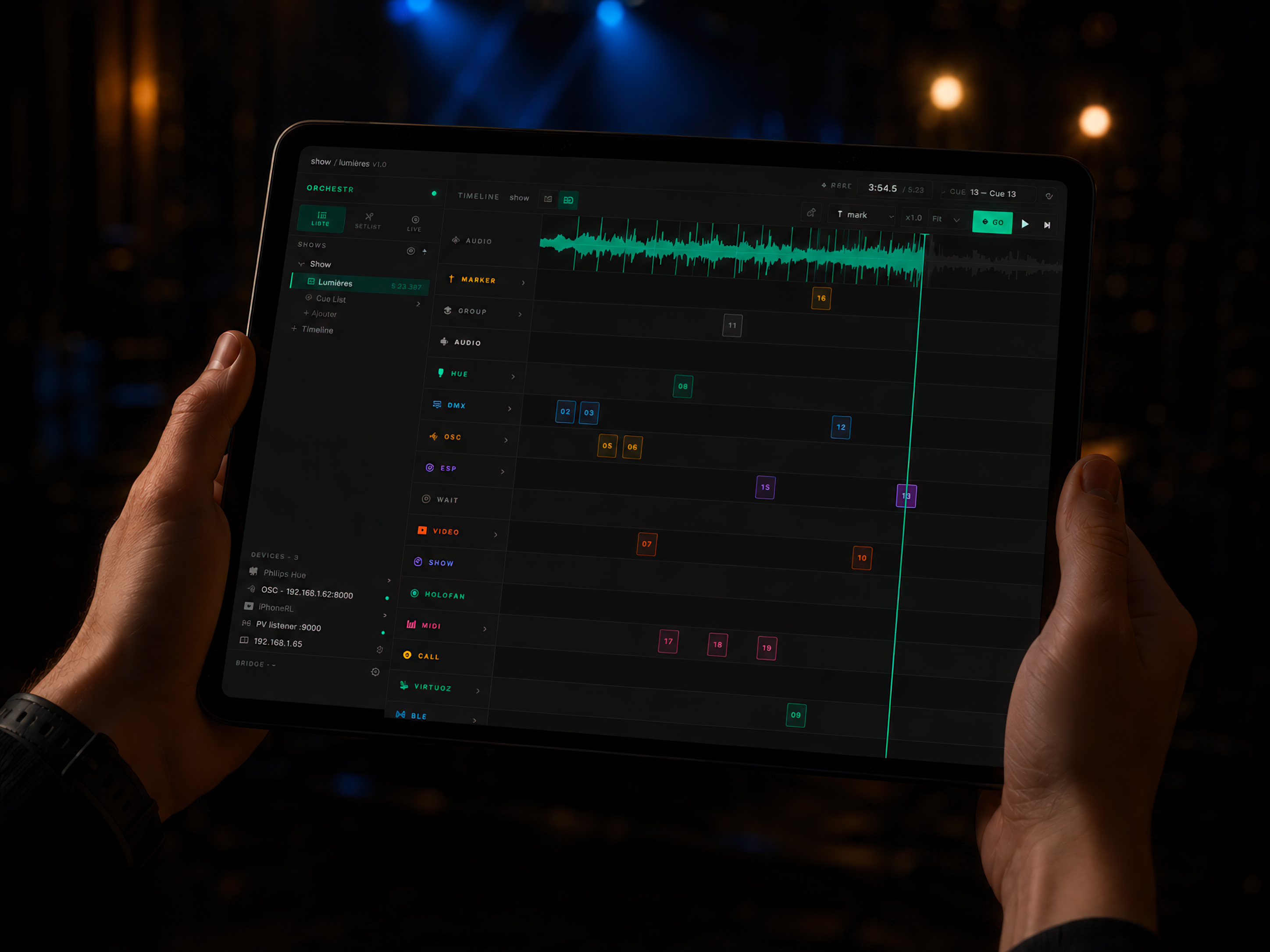
Orchestr on iPad — control in a performance venue

« I spent a long time looking for a tool that thinks from the stage.
I couldn't find it.
So I built it. »

— Romain Lalire, founder

— THE PROPOSITION

One tool.
Timeline or cue list.
Lighting, sound, video, effects.
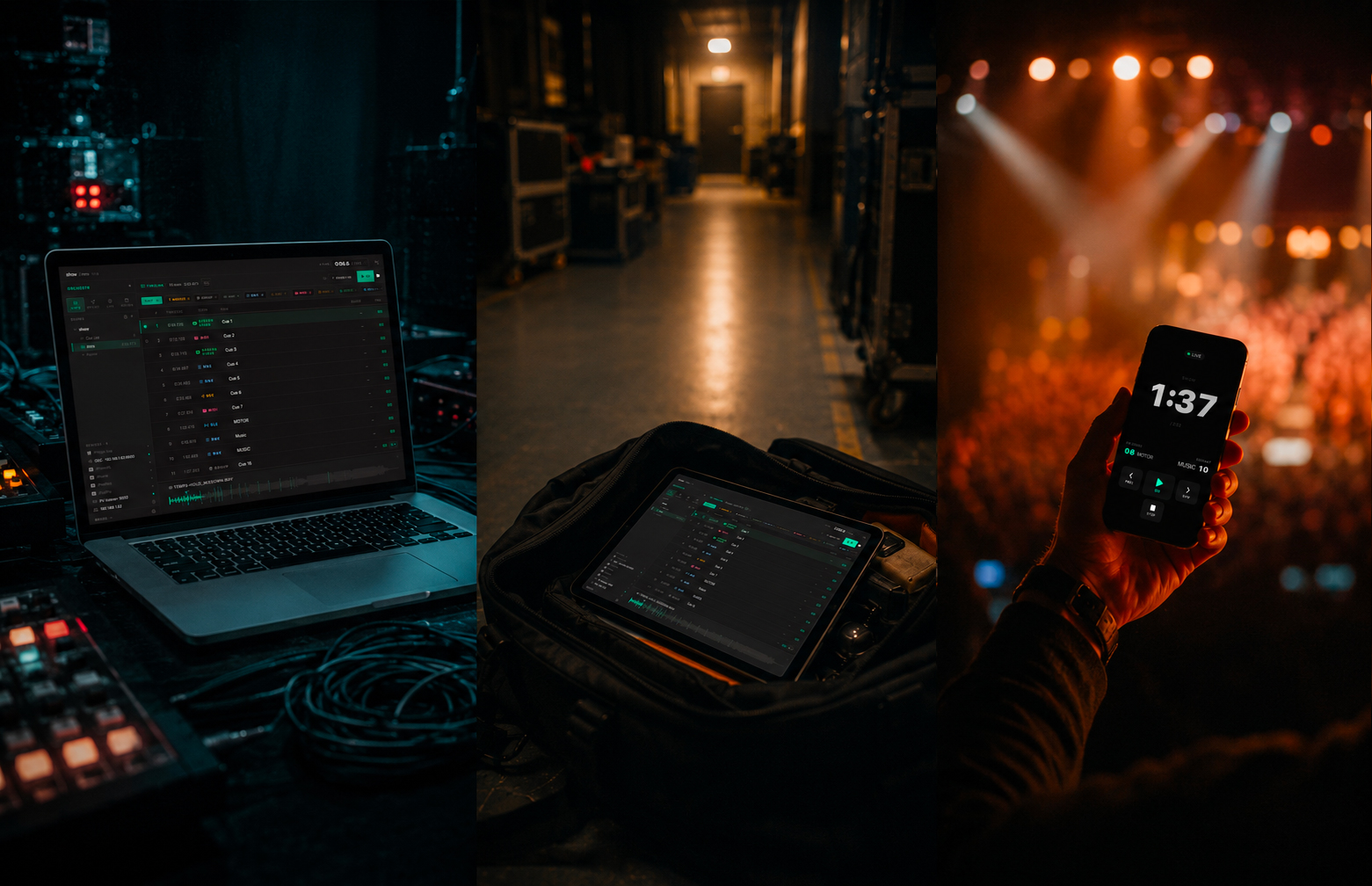
In the booth, in your bag, on stage.

All your protocols. One interface.
Designed for the stage, mastered the same evening.

Orchestr — live interface

— THE ECOSYSTEM

One ecosystem.
Your configuration.

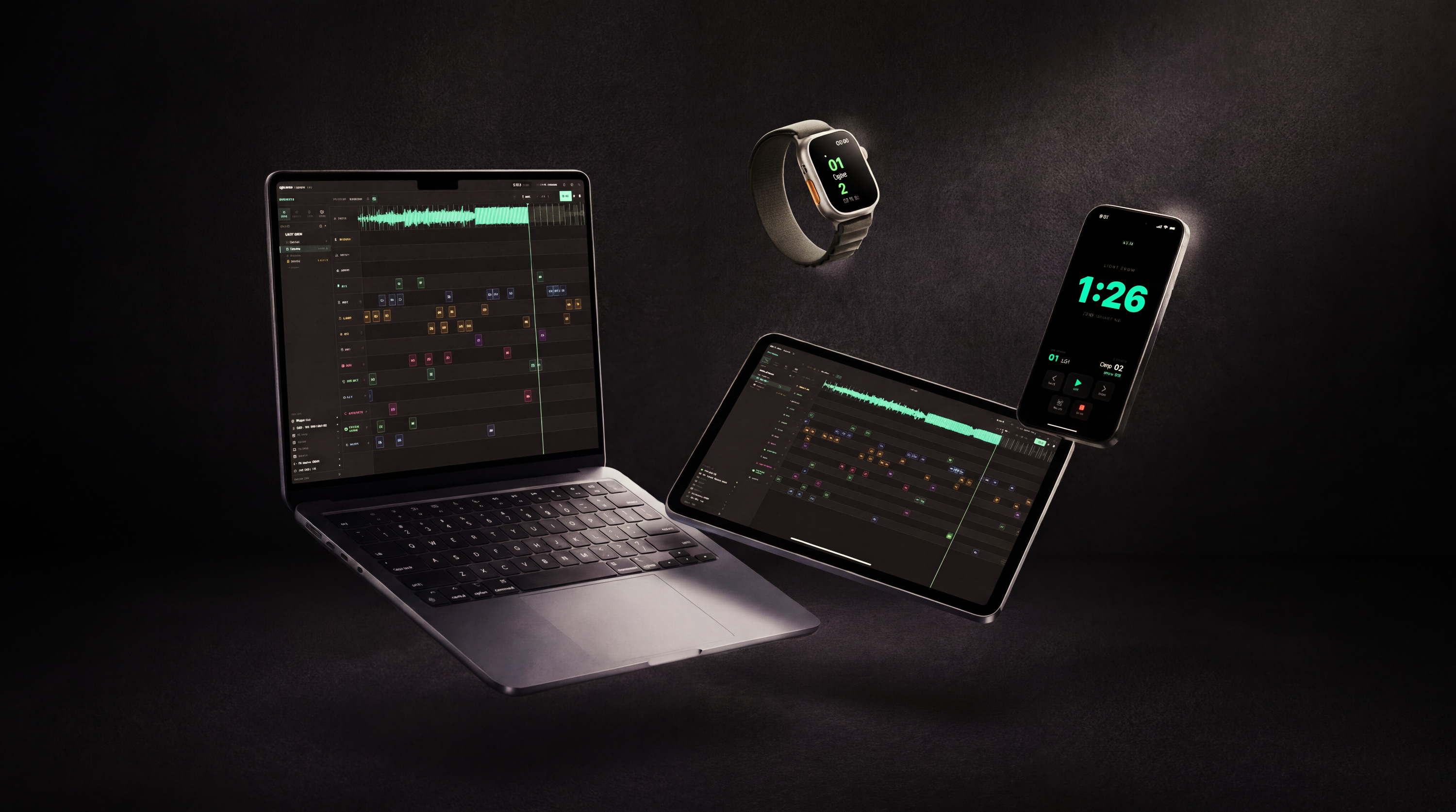
macOS
the central control room

Creates and runs shows. The complete control room.

All protocols + fullscreen video

The hub of your Orchestr ecosystem.

Includes Video, Lighttoys, DMX boxes
iPad
the mobile control room

Full show control. Timeline and cue list.

Take your control room in your bag.

Almost everything the Mac does, no cables
iPhone
the pocket control room

NFC, Bluetooth audio, OSC, PLB, Virtuoz & Flic remote.

Build autonomous routines.

Invisible Relay with Orchestr Mac and iPad.

€199 · Solo feedback included for free
Apple Watch
on-stage feedback

Real-time cues on your wrist.

Vibrations, messages and info sent from the control room.

Free. Included with iPhone.
Orchestr on Mac, iPad, iPhone and Apple Watch

— SHOW MEMORY

Play.
Orchestr records.
It's in your show.

The OSC/DMX recorder captures your sequences live.
Refine each curve at your own pace.
Save to library. Reuse everywhere.

— THE SINGULARITY

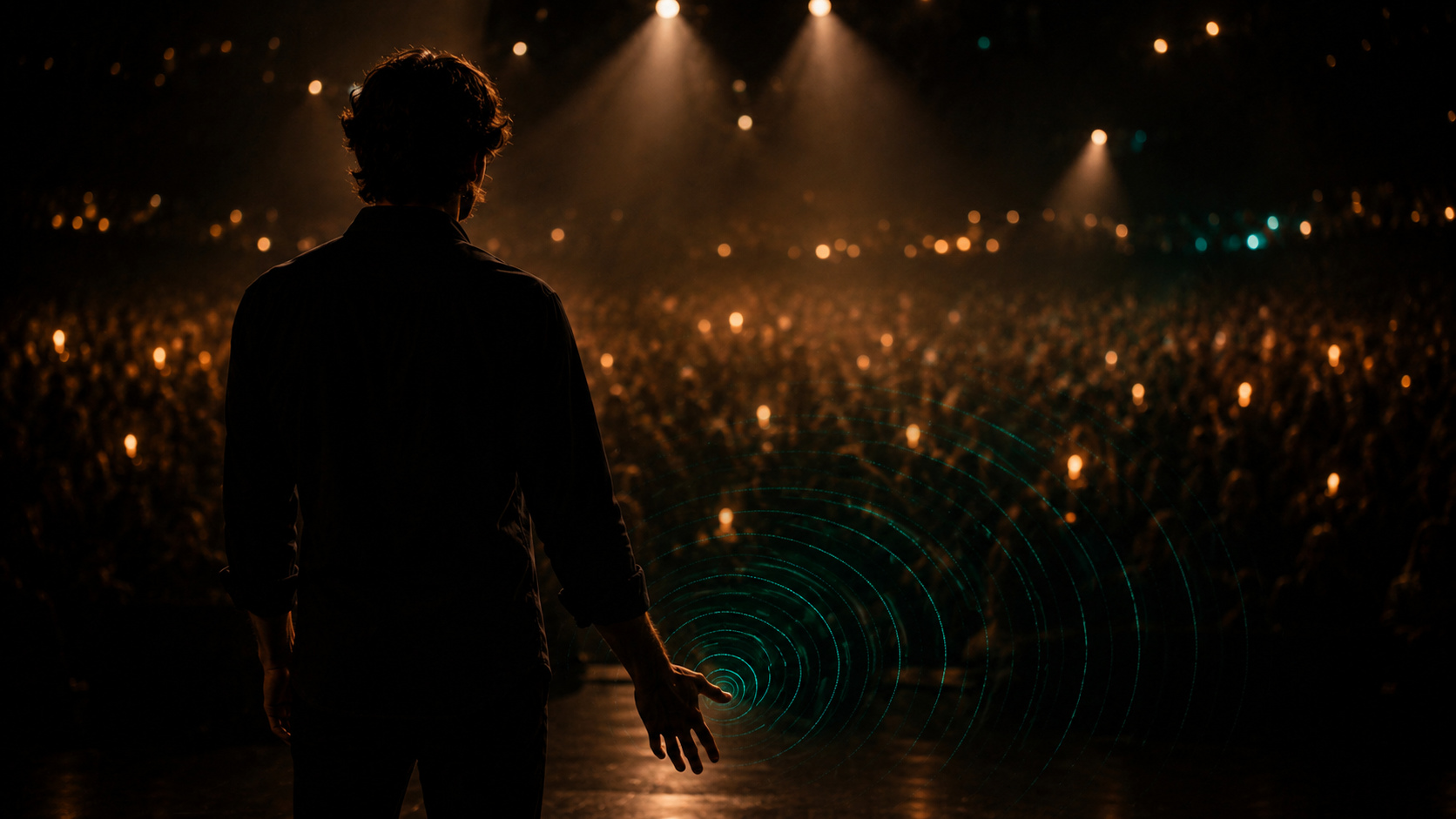
For the first time,
the performer is in the loop.

An iPhone in your pocket. A discreet remote in hand — PLB, Virtuoz or Flic.
You trigger. You receive. You play.
Nobody sees a thing.
With an Apple Watch: cues and haptics straight to your wrist.

The performer in the loop — Orchestr

— LIBRARIES

Edit a cue.
All your shows
update.

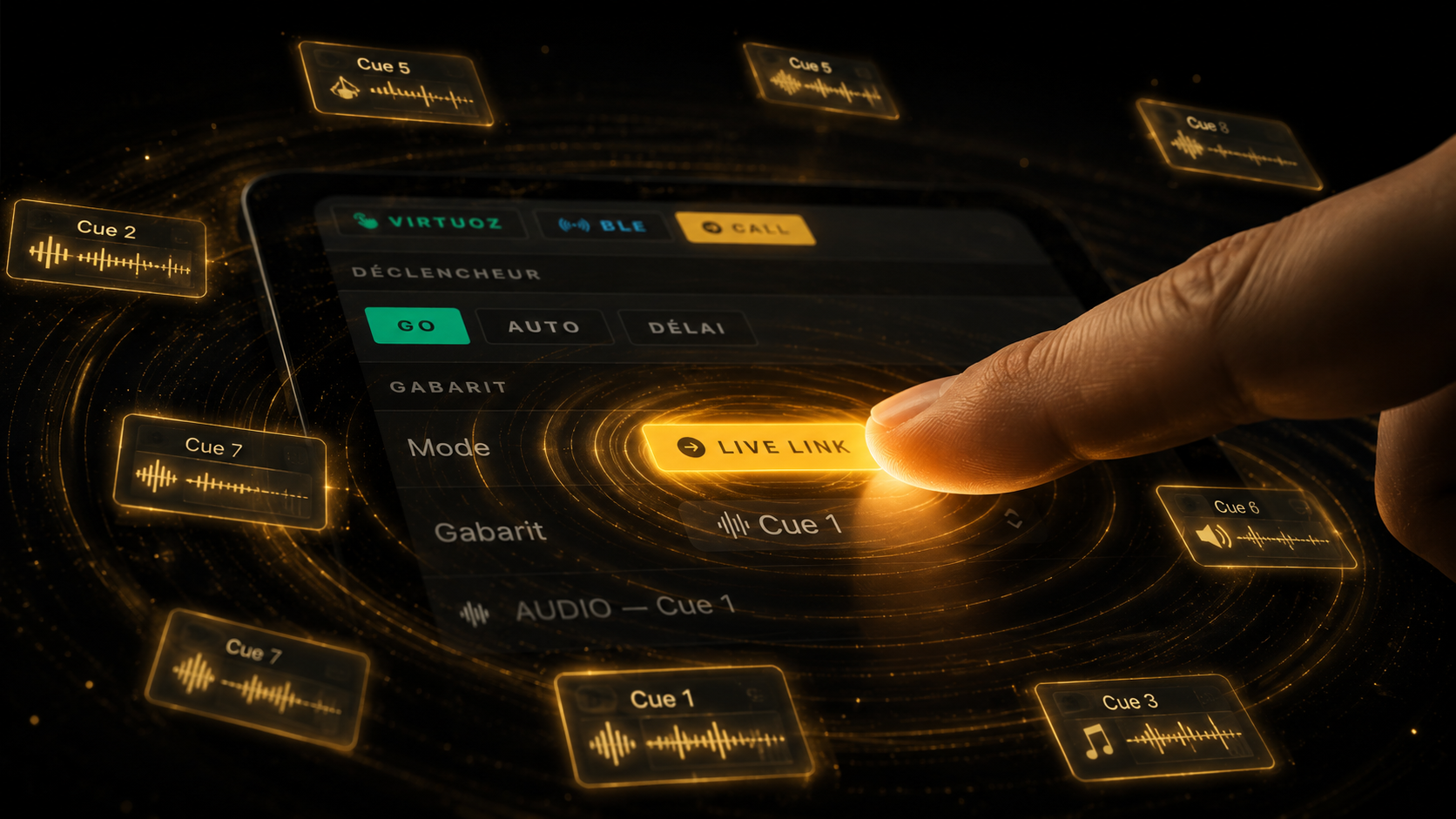
Orchestr libraries work like living components.

LiveLink A change in the library is instantly reflected in all linked shows.
Snapshot A frozen copy at the time of saving, independent forever.
Cue groups — trigger everything at once or in cascade, in a single gesture.
Orchestr LiveLink — cue template connected to multiple shows

— INSTALLATION MODE

Orchestr knows how
to run without you too.

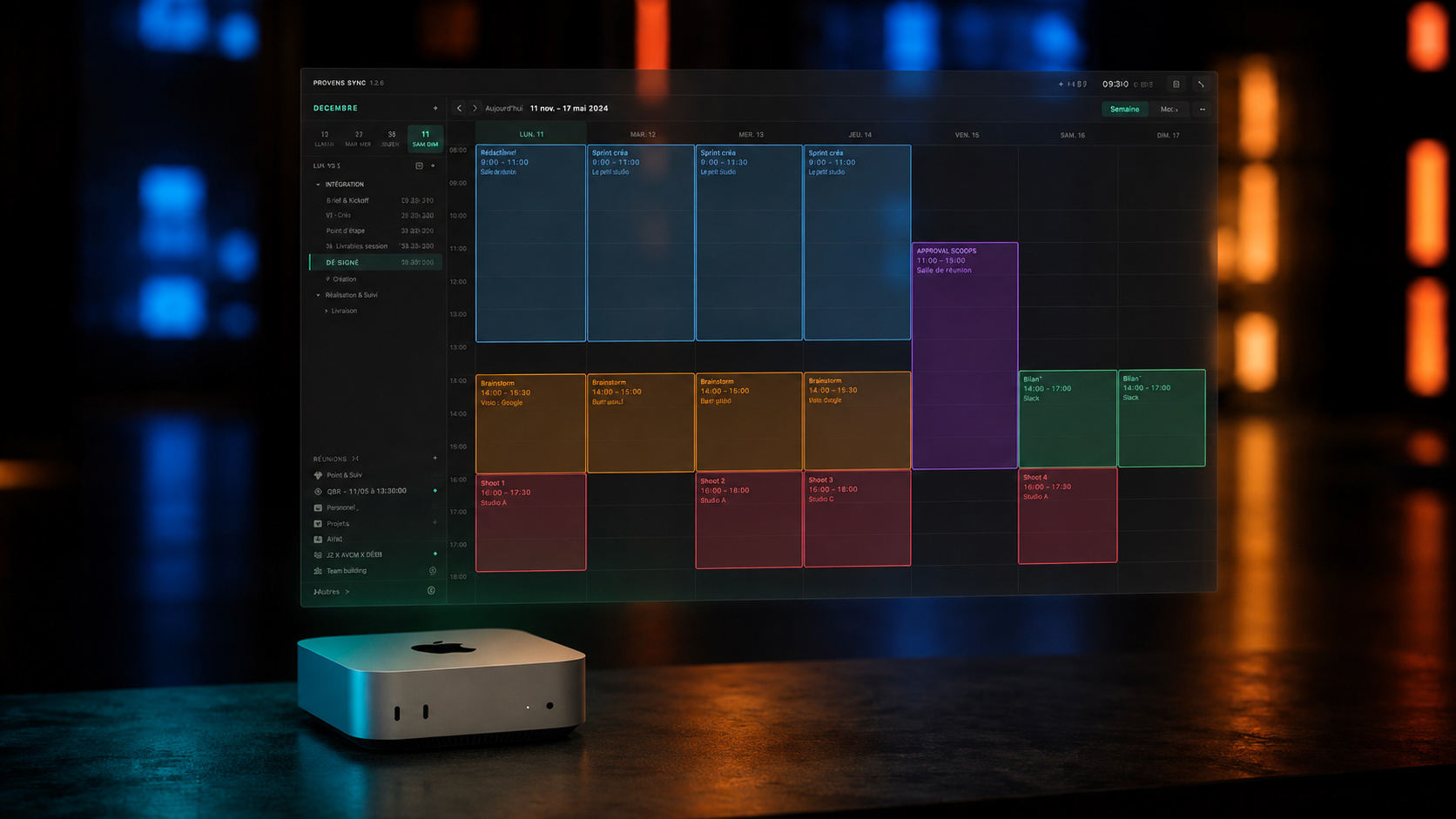
Program your sequences by schedule and by day of the week. Orchestr handles it — day after day, week after week.

Museums Galleries Storefronts Events
Orchestr for spaces →
Orchestr installation mode — weekly schedule on Mac Mini
CONTROLS WHAT YOU ALREADY USE 12 PROTOCOLS
DMX · Open DMX · Art-Net · sACN
OSC · UDP
MIDI
Philips Hue
Lighttoys
LTC · MTC
ESP32
Virtuoz
PLB
Bluetooth LE
NDI · Spout
Flic Remote

And if your equipment isn't listed, OSC and MIDI cover the rest.

Millumin, MadMapper, Resolume, QLab, D-Light — OSC shortcuts to trigger their events are already pre-configured in the cues. If you already use one of these, it's ready to go.

— ORCHESTR LIGHT

The light.
Not the protocols.

DMX, Philips Hue, Lighttoys —
three different protocols,
one single place to think them through.

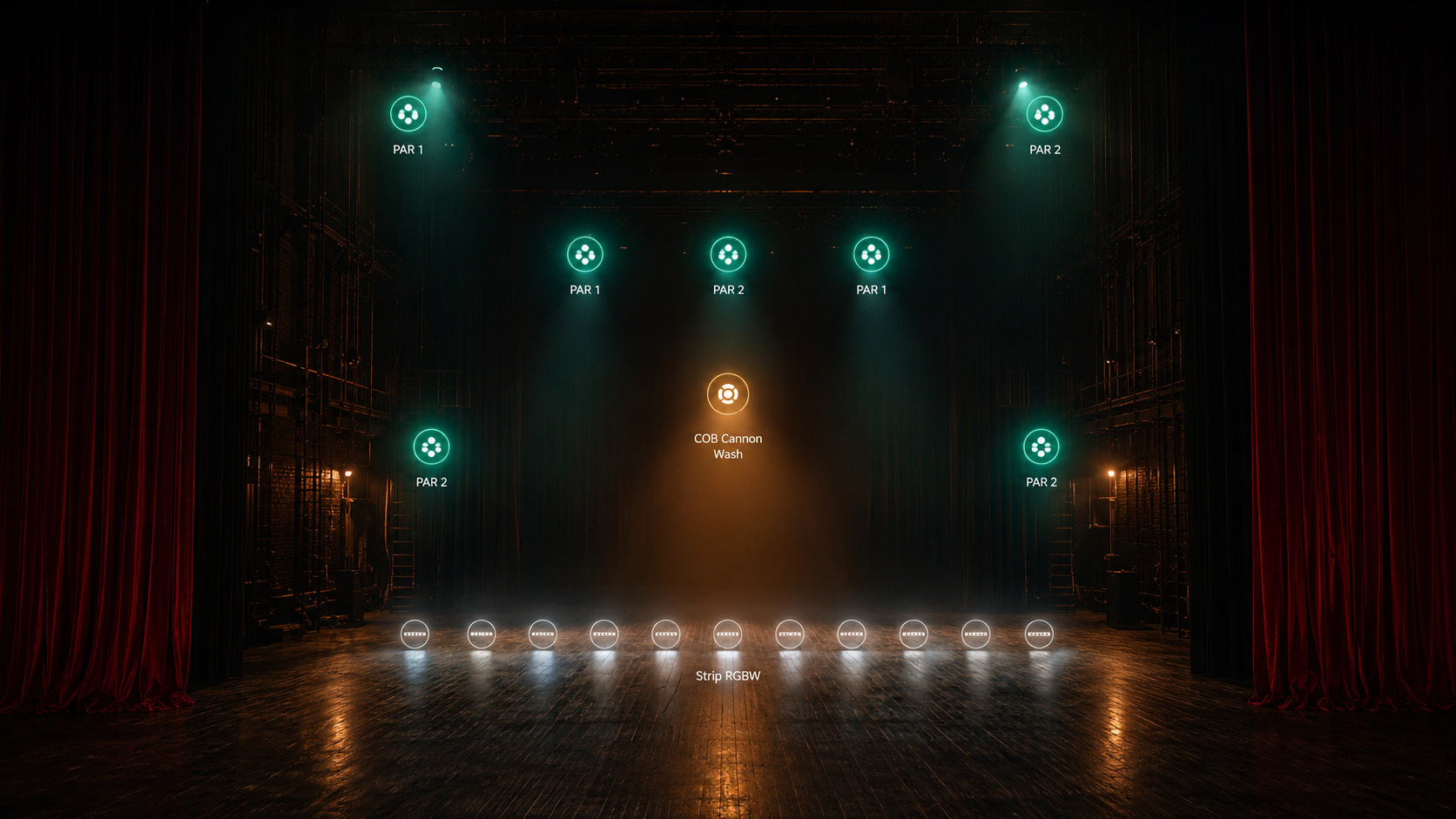
Design your lighting plan directly in Orchestr — stage view, OFL patch, light scenes integrated in your cues.

Stage view with coloured light fixtures — Orchestr Light
Mac only · Add-on · €149 launch price
Discover Orchestr Light →

Custom

Your device. In Orchestr.

Your equipment is unique?
We develop the module to match it —
natively integrated, operable from your show.

→ contact@orchestr.software

— PRICING

Choose your configuration.

iPhone
Free

The invisible return.

  • Real-time display mode
  • Show tracking
  • Remote navigation
Download on the App Store
iPhone Pro
€199

Your control room in your pocket.

  • Routines: music, lights, effects
  • PLB · Virtuoz · Flic · NFC
  • Philips Hue · OSC · Bluetooth Audio
  • Relay to Orchestr Mac/iPad
Download on the App Store
iPad EARLY ADOPTER
€199 instead of €299

Full show control.

  • Timeline · Cue list
  • All protocols except DMX boxes
  • Display mode
  • Mac project sharing
macOS LAUNCH
€349 instead of €449

The complete control system.

  • All protocols
  • Lighttoys
  • LTC · Network server
  • Fullscreen Video Playback

One-time purchase. 12 months of updates included. No subscription.

FOR SPACES Installation Mode Only

A project delivered by your creator.
Orchestr runs it automatically —
by schedule, by day of the week.
No intervention. No manual input. Read-only.

€249 instead of €299
Mac license · One-time payment · -17% launch price Get it →

— RENTAL

Need Orchestr for a show?

1 day €12
7 days €29
30 days €59

30 days free — full features.

Start the trial See offers and buy

FAQ

Frequently asked questions

Is Orchestr available on Windows?
No, and there are no plans for it. Orchestr is designed exclusively for the Apple ecosystem: macOS for the main control system, iOS and watchOS for remote control. This is not a limitation — it's an architectural decision. Stability in production conditions, device synchronisation and the reliability of the playback engine rely on native Apple technologies. Supporting Windows would impose compromises we are not willing to make on a live performance tool.
Can Orchestr run without a WiFi connection?
Yes. The show engine runs entirely locally on the control Mac: cues, timelines, DMX, OSC, video and audio all work without a network. However, remote control from an iPad, iPhone or Apple Watch requires a local WiFi connection. We recommend always bringing your own WiFi router: you stay independent of the venue's network, avoid interference, and control your network environment end to end.
What control protocols does Orchestr support?
Orchestr speaks the standard languages of live performance: DMX via serial interface, OSC via UDP, Bluetooth Low Energy, Philips Hue via local bridge, and triggers audio and video content natively. If your setup uses these protocols, Orchestr integrates without any additional gateway.
Can a show be recovered in case of a technical problem during a performance?
Yes. The show is continuously saved locally. If a forced restart occurs, the project state is restored on opening. Each show can be exported as an .orchestr file before the performance: keeping a backup copy on a USB drive is a good practice we systematically recommend.
Is an internet connection required during the show?
No. Orchestr does not depend on any remote server to run. No cloud, no online authentication, no external network latency. Everything runs on your machine.
How many devices can be connected simultaneously?
Multiple iPads, iPhones and Apple Watches can be connected in parallel on the same local network. Each device accesses the same commands in real time. There is no fixed limit: the constraint is your local WiFi network.
Is Orchestr suited for small productions as well as large events?
Yes. The architecture is the same whether it's a private dinner or a 2,000-person event. What changes is the complexity of the show you build, not the tool itself.
What configuration is needed to run Orchestr?
Orchestr requires macOS 15 or later on the control Mac, and iOS 17 or later on remote control devices. Compatibility with earlier versions of macOS has not yet been tested: we will communicate on this point as soon as reliable data is available. For shows involving fullscreen video or a large number of simultaneous cues, a recent Mac with Apple Silicon chip is recommended.
Do you need to be a technician to use Orchestr?
No. Orchestr was designed by a live performance practitioner, not a team of developers. The interface is built for real conditions: the stress of a final rehearsal, time pressure, dark environments. The core concepts — cues, timelines, groups — are ones you already use. A single guided walkthrough is enough to build a simple show. Complexity only comes with the ambition of the project.
Is there documentation or training?
Documentation is currently being written. In the meantime, every buyer receives an individual onboarding: a hands-on session to set up your first show, answer your specific questions, and start on solid ground.
What support is offered after purchase?
Support is provided directly by the creator of Orchestr. No anonymous ticket: you have access to someone who knows the tool in every detail and understands the constraints of the field. Critical bugs are handled as a priority, especially before and during a production.
How does the license work?
The license is personal and tied to the email address used at purchase. It allows activation on one device at a time. If you want to use Orchestr on a second device, you will need to deactivate the license on the first before activating it on the next. For simultaneous use on multiple devices, one license per device is required. Every 30 days, the app verifies that the license is still valid with our servers: an internet connection is required for this check.
How do I transfer my license to a new device?
Each license allows activation on a limited number of devices (1 by default). If you change your iPhone, iPad or Mac, you will need to deactivate the license on the old device before activating it on the new one. If the old device is no longer accessible (hardware failure, theft, factory reset), contact support: the license will be manually released after verification.
Are updates included?
Yes. Corrective updates are included. Major evolutions are communicated in advance. The goal is to never leave a user in production with a version that no longer receives patches.